Gemini_Generated_Image_7vpket7vpket7vpk

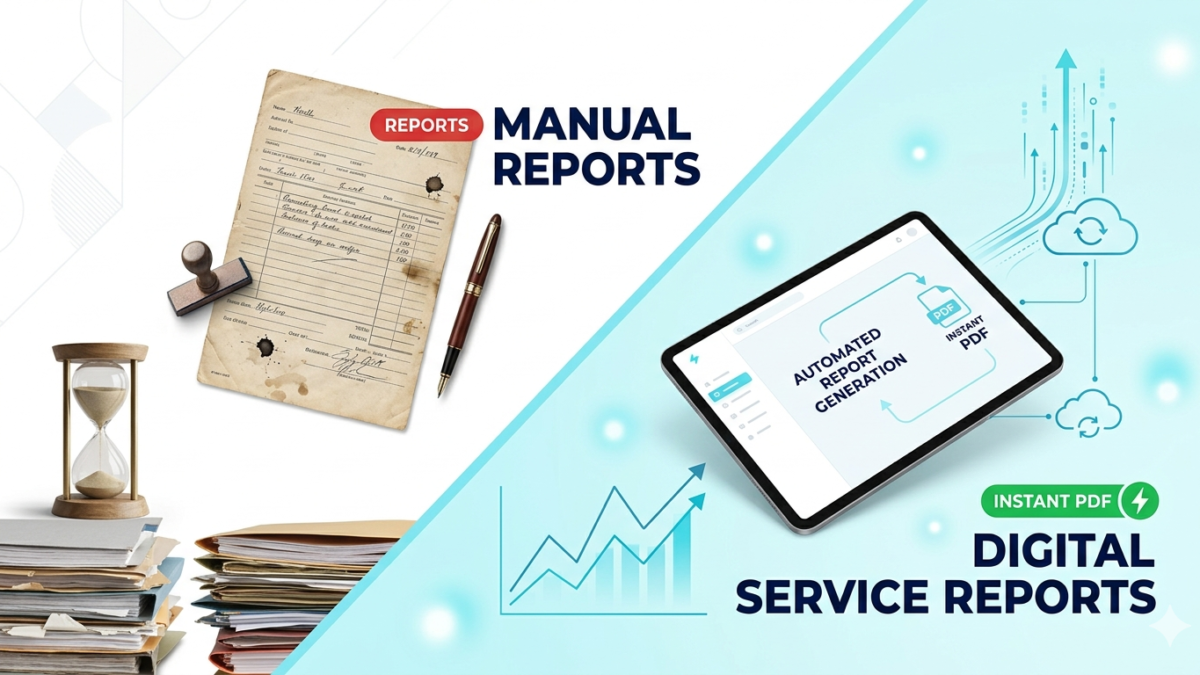
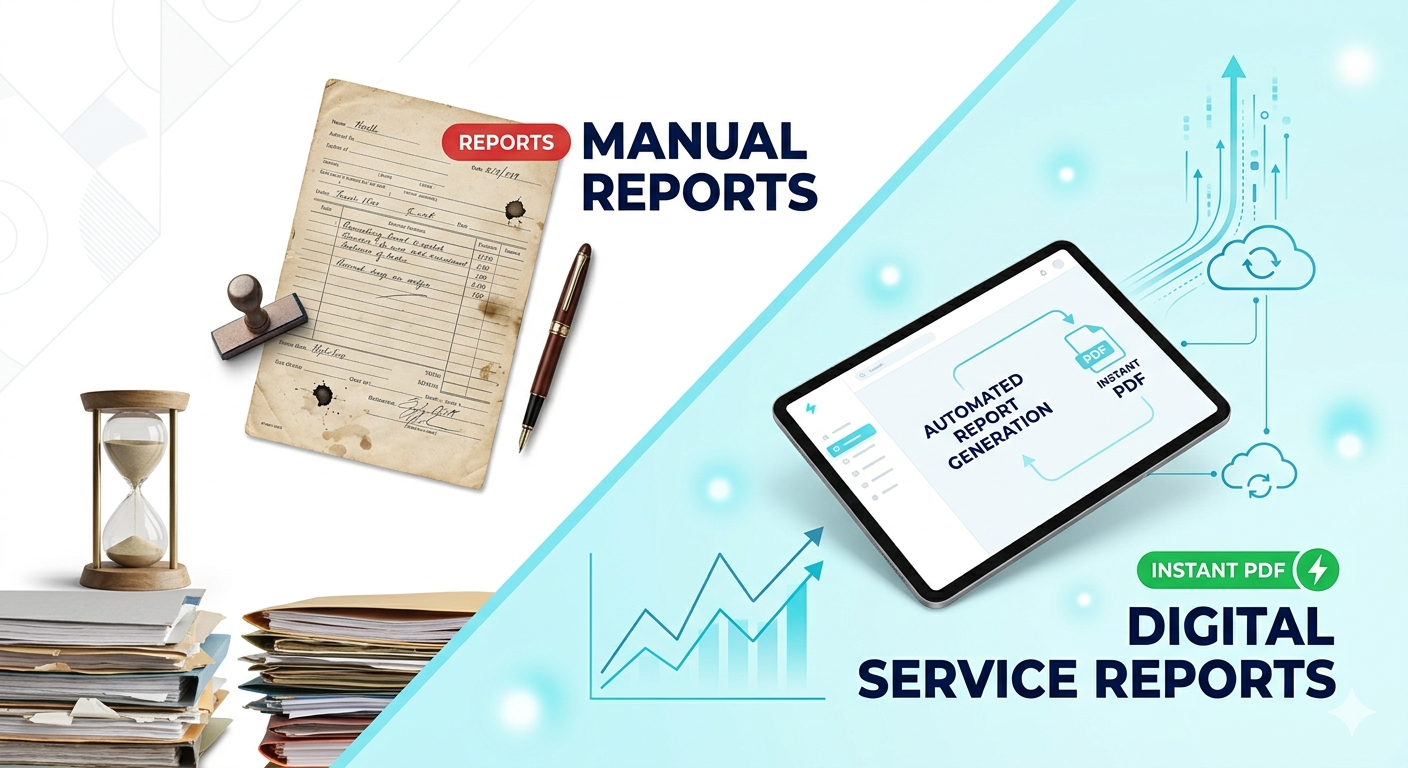
Digital Service Reports vs Manual Reports: Why Businesses Are Moving Towards Automationn

Digital Service Reports vs Manual Reports: Why Businesses Are Moving Towards Automation

In today’s fast-paced corporate world, speed, accuracy, and scalability are the ultimate differentiators. Yet, many service-driven organizations are still held back by a traditional bottleneck: manual paperwork.

Service reports play a critical role in almost every service-based industry. Whether it is IT infrastructure support, corporate power solutions, field equipment maintenance, or client management, service reports help in tracking ongoing work, documenting complex tasks, and maintaining error-free records.

Traditionally, these reports were created manually using paper logs, local Excel sheets, or basic templates. However, with the rise of modern digital systems and automated workflows, businesses are rapidly transitioning toward digital service reports to maximize operational efficiency.

In this deep dive, we will analyze the key differences between manual and digital service reports, evaluate their pros and cons, and explore why automation has become a necessity for modern businesses.

What is a Manual Service Report?

A manual service report relies on traditional, non-automated methods to document field and service-related activities. These are typically filled out by hand on printed sheets or entered row-by-row into offline software like Excel or Word, then saved locally or physically filed away.

Characteristics of Manual Reports:

  • Handwritten entries or repetitive manual data typing.
  • Time-consuming drafting, formatting, and proofreading.
  • High dependency on physical filing cabinets or local hard drives.
  • Heavy human involvement at every stage of the lifecycle.

Major Limitations:

  • High Margin of Error: Prone to typos, missing details, and illegible handwriting.

    Storage & Management Bottlenecks: Managing large historical archives becomes extremely difficult over time.

    Operational Delays: Real-time visibility is non-existent; reports take hours or days to reach managers.

    Poor Accessibility: Documents cannot be instantly retrieved from a remote location.

    Limited Scalability: As client requests grow, the manual workload doubles, slowing down business growth.

What is a Digital Service Report?

A digital service report is a software-driven, automated document generated seamlessly through integrated digital workflows. Instead of manually drafting a sheet, data is captured directly via smart forms or mobile applications, which the system automatically compiles into beautifully structured PDFs or interactive web dashboards.Big companies invest heavily in data analysts. But in 2026, AI tools offer the same level of insights to everyone.

Characteristics of Digital Reports:

  • Zero-Effort Generation: Instant, hands-free report compilation.
  • Secure Cloud Storage: Centralized databases ensure records are safe and searchable.
  • Instant Exports: One-click automated PDF generation.
  • Seamless Distribution: Immediate sharing via Email, WhatsApp, or centralized CRM/ERP systems.
  •  

Manual vs Digital Service Reports (At a Glance)

  • Feature Manual Reports Digital Service Reports
    Turnaround Speed Slow, multi-step process Instantaneous
    Data Accuracy Highly prone to human error Precise and validated
    Storage & Security Physical folders or local disks Cloud-based, encrypted storage
    Accessibility Restricted to physical location Anywhere, anytime access
    Process Automation Not available Fully automated pipeline
    Business Scalability Poor and resource-intensive Excellent and frictionless

Advantages of Digital Service Reports

Embracing digital transformation makes your documentation faster, smarter, and incredibly reliable. Here is how automation drives value:

  • 1. Eliminates Time Wastage: Reports are generated instantly in a standard layout, freeing up valuable hours.

  • 2. Flawless Accuracy: Built-in form validations prevent incorrect data entries, math errors, or missed fields.

  • 3. Superior Organization: No more lost papers. Every record is archived systematically in a structured digital database.

  • 4. Rapid Client Communication: Reports can be automatically dispatched to clients via email or messaging apps the moment a job is completed.

  • 5. Boosts Workforce Productivity: Engineers and technicians can focus on resolving technical issues rather than spending half their day on documentation.

  • 6. Centralized Audit Trails: Effortlessly track a client’s entire service history, maintenance cycles, and agent performance from a single screen.

Challenges of Digital Service Reports

While the benefits are massive, transitioning to a digital system requires looking at a few practical factors:

  • 1. Internet Connectivity: Advanced cloud syncing models usually require a stable connection, though modern apps now feature offline data-saving modes.

  • 2. Upfront Setup: Custom development or system integration requires an initial investment of time and budget.

  • 3. Onboarding & Training: Teams accustomed to paperwork need a brief learning curve to adapt to new digital interfaces.

  • 4. System Maintenance: Relying on software means accounting for occasional updates, system minor glitches, or server downtimes.

Why Modern Businesses Need Digital Reporting

  • In a competitive market, client satisfaction relies on transparency and speed. Manual reporting slows down operations, delays billing cycles, and risks damaging client trust through lost or messy data.
  • Digital service reports solve these pain points seamlessly by offering:
  • Rapid, standardized documentation.

  • Transparent service tracking for end clients.

  • Seamless communication between field staff, managers, and stakeholders.

  • Professional, brand-aligned report designs that elevate your company’s image.

  • For scaling enterprises handling multiple critical service tickets a day, digital reporting isn’t just an upgrade—it is a core business necessity.

How an Automated Service Report System Works

  • A well-optimized automation pipeline follows a clean, friction-free loop:

The Practical Workflow:

  • Input: A field engineer fills out a simple, pre-structured digital service form on their phone or tablet.

  • Process: The system validates and processes the submitted data variables instantly.

  • Generate: The backend engine automatically populates a professional, branded PDF layout.

  • Deliver: The finalized report is safely saved to the cloud database and simultaneously emailed directly to the client’s inbox.

  •  

Industry-Wide Use Cases

  • Digital service reporting holds immense value across diverse sectors:

    • IT Infrastructure & Technical Support: Tracking system deployments, network downtime issues, and hardware resolutions.

    • Power Solutions & Maintenance: Streamlining routine checks for critical systems like corporate UPS rentals, inverters, and battery banks.

    • Field Engineering: Standardizing on-site logs for electrical, mechanical, and civil engineering teams.

    • Freelance & Agency Project Management: Delivering clean, verifiable milestone reports to remote clients.

The Future of Service Documentation

  • The era of manual data tracking is coming to a close. The next generation of service reporting will leverage:

    • AI-Assisted Logging: Smart text summaries based on brief technician notes.

    • Voice-to-Report Conversions: Dictating hands-free logs directly on the field.

    • Unified Ecosystems: Deep integrations linking reports straight to CRM, accounting, and ERP tools.

    • Predictive Analytics: Using historical report trends to forecast equipment failures before they happen.

Project Spotlight: Auto PDF Service Report Generator

Driven by the need to eliminate repetitive manual overhead, I recently designed and developed an Auto PDF Service Report Generator.

Core Capabilities:

    • Captures raw form inputs through a highly intuitive UI.

    • Processes data instantly without requiring manual formatting.

    • Automatically compiles clean, corporate-standard PDF service sheets.

    • Dramatically reduces turnaround times and transcription errors.

    Building this project allowed me to dive deep into workflow automation and explore how tailor-made digital tools can optimize operational efficiency, streamline tracking, and help modern workflows scale cleanly.

Conclusion:

    • Digital service reports are completely redefining operational workflows. Compared to outdated manual setups, automated systems are faster, more reliable, and highly scalable. As businesses look to maximize resource output and minimize administrative bottlenecks, adopting automated documentation is the smartest step forward. The future of business is automated.

      Looking to automate your business documentation workflows or turn manual sheets into instant, professional PDFs? Let’s connect to discuss how custom web automation can streamline your operations!

Add a subheading (1)

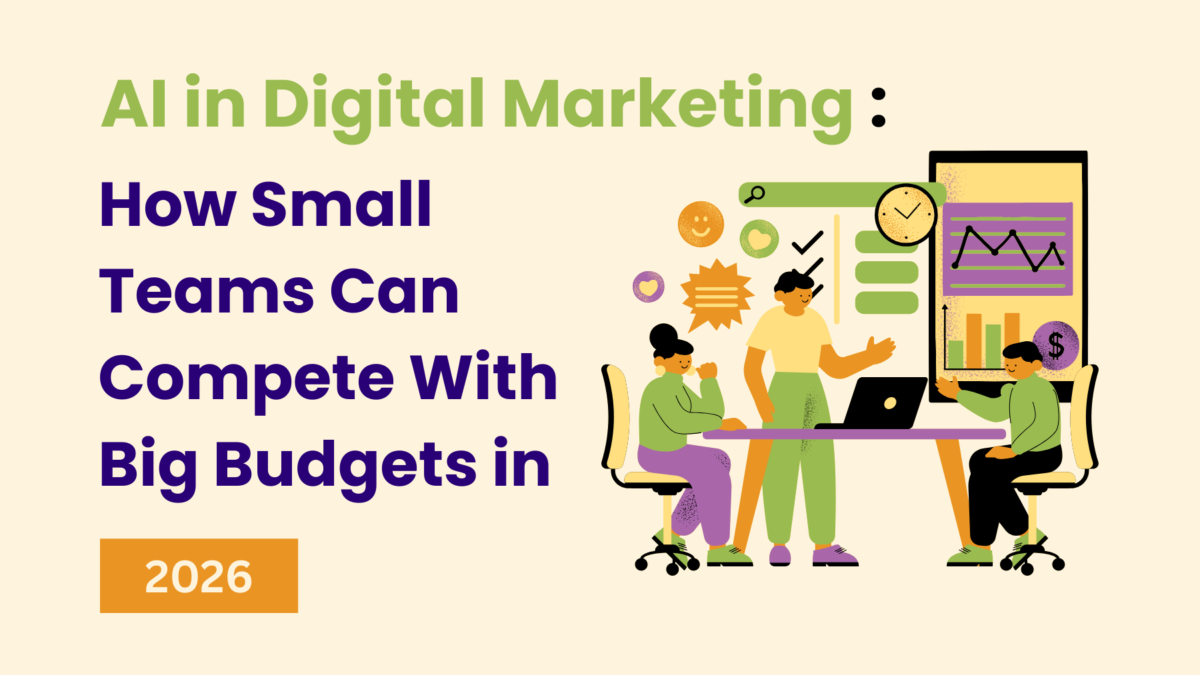
AI in Digital Marketing: How Small Teams Can Compete with Big Budgets in 2026


In today’s fast-moving digital world, growing a brand no longer depends only on big budgets, large teams, or expensive tools. By 2026, Artificial Intelligence (AI) has become the biggest equalizer, helping small teams compete with — and often outperform — big companies with massive marketing budgets.

Earlier, large organizations had the advantage of extensive manpower, premium analytics tools, dedicated content teams, and high ad spend. But with the evolution of AI-powered tools, automation systems, predictive analytics, and smart content engines, even a 2–3 member team can execute full-fledged marketing campaigns with speed, accuracy, and efficiency.

This shift has opened huge opportunities for startups, freelancers, local businesses, and small agencies who want to scale without increasing costs. Here’s how AI is transforming digital marketing in 2026 — and how small teams can leverage it to compete at a world-class level.


1. AI Helps Small Teams Work Faster and Smarter

One of the biggest challenges for small teams is time. Managing multiple platforms — website, social media, SEO, ads, email, analytics — can feel overwhelming. AI solves this by automating time-consuming tasks within minutes.

How AI speeds up work:

  • Auto-generates social media captions, posts, and graphics
  • Suggests keywords and SEO-friendly blog structures
  • Creates ad copies and landing pages
  • Automates competitor analysis
  • Schedules posts and sends personalized email campaigns
  • Provides ready-made analytics reports

Instead of spending hours writing content or analyzing reports manually, small teams can now complete the same job in a fraction of the time. This allows them to focus on strategy, creativity, and business growth — areas where human input matters most.


2. Predictive Analytics Makes Marketing More Accurate

Big companies invest heavily in data analysts. But in 2026, AI tools offer the same level of insights to everyone.

AI-powered analytics can:

  • Predict which content will perform well
  • Suggest the best time to post for maximum visibility
  • Analyze customer behavior
  • Recommend high-converting keywords
  • Track competitor trends
  • Give real-time insights on what’s working and what’s not

For small teams, this is extremely powerful. Instead of guessing, they get data-backed decisions that improve ROI instantly.

Predictive analytics also ensures that every rupee spent on ads or content creation goes in the right direction. This drastically reduces wastage and helps small teams get big results even with limited budgets.


3. Hyper-Personalization Without Hiring a Big Team

In 2026, personalization is not optional — it’s the key to customer connection. AI makes this possible for small teams without needing data engineers or marketing analysts.

AI enables:

  • Personalized email marketing
  • Website content tailored to each visitor
  • Automated chat responses
  • Dynamic product recommendations
  • Customized ads based on user interests

Big companies use complex systems for this. With AI, small businesses can offer the same level of personalization, creating deeper customer relationships and increasing conversions.

For example, AI CRM systems can automatically send:

  • Birthday offers
  • Abandoned cart reminders
  • Product recommendations
  • Re-engagement messages

—all without human effort.


4. AI Cuts Down Marketing Costs for Small Teams

Hiring designers, writers, video editors, and ad experts can be expensive. AI reduces these costs significantly.

With AI you can:

  • Create videos in minutes
  • Design attractive graphics
  • Generate SEO-friendly content
  • Optimize website landing pages
  • Improve ad targeting
  • Automate customer support

This means a small team can handle tasks that previously required large departments. The result?

👉 More output, lower cost, higher quality.

It levels the playing field between small teams and big-budget marketing giants.


5. AI Helps Produce High-Quality Content Consistently

Consistency is everything in digital marketing, but it’s hard to maintain when your team is small.

AI helps by generating:

  • Blogs
  • Social media content
  • Reels ideas
  • Scripts
  • Email newsletters
  • Product descriptions
  • Ads and marketing materials

AI also ensures the content is optimized for:

  • SEO
  • Readability
  • Engagement
  • Trending keywords

This helps small brands stay active, visible, and relevant — without burning out.


6. Smarter Social Media Management

Social media is one of the most competitive areas, especially for small companies.

By 2026, AI tools can:

  • Suggest trending topics
  • Auto-generate posts
  • Make branded templates
  • Schedule content across all platforms
  • Track engagement
  • Analyze competitors
  • Provide weekly growth reports

Small teams can manage multiple brand accounts at the same time with professional consistency — something that was earlier possible only for big agencies.


7. AI-Powered Chatbots and Customer Support

AI chatbots have become extremely advanced. They can:

  • Answer customer queries
  • Guide customers to the right product
  • Provide support 24/7
  • Handle multiple chats at once
  • Collect customer feedback
  • Improve user experience

For small businesses, this means they no longer need a large support team. Customers still enjoy a fast, professional response — improving trust and conversions.


8. Smarter Ad Campaigns Even with Small Budgets

Competing with companies who run ads worth lakhs or crores can seem impossible. But AI turns this around.

AI-based ad tools help small teams:

  • Target the right audience
  • Avoid wasteful ad spend
  • Test multiple versions automatically
  • Optimize campaigns in real time
  • Improve conversions with predictive insights

This allows a small team to get premium-level ad performance without spending huge amounts.


9. AI Gives Creative Power to Small Teams

Creativity is no longer limited to designers or experts.

AI tools help generate:

  • Logo concepts
  • Brand color palettes
  • Marketing templates
  • Ad creatives
  • Animated visuals
  • Social media graphics
  • Website layout suggestions

This gives small teams the ability to match the aesthetic and professionalism of large, well-funded marketing departments.


10. Small Teams Can Scale Faster with AI

The real strength of AI is scalability.

A small team using AI can:

  • Manage more clients
  • Create more content
  • Run more campaigns
  • Analyze more data
  • Deliver better results

—all without hiring extra staff.

This flexibility makes AI the most powerful growth tool for startups and small agencies.


Conclusion: The Future Belongs to Smart Teams, Not Big Teams

In 2026, the biggest “superpower” in digital marketing is not money — it is AI-driven smart work.

Small teams today can:
✔ Compete with large companies
✔ Execute faster strategies
✔ Deliver personalized experiences
✔ Reduce costs
✔ Increase efficiency
✔ Scale without limits

AI has officially leveled the playing field. Now, success belongs to those who know how to use technology smarter — not those who spend the most.

If you’re a freelancer, small agency, startup, or business owner, now is the perfect time to upgrade your digital marketing with AI and build a strong, competitive brand.

Add a subheading

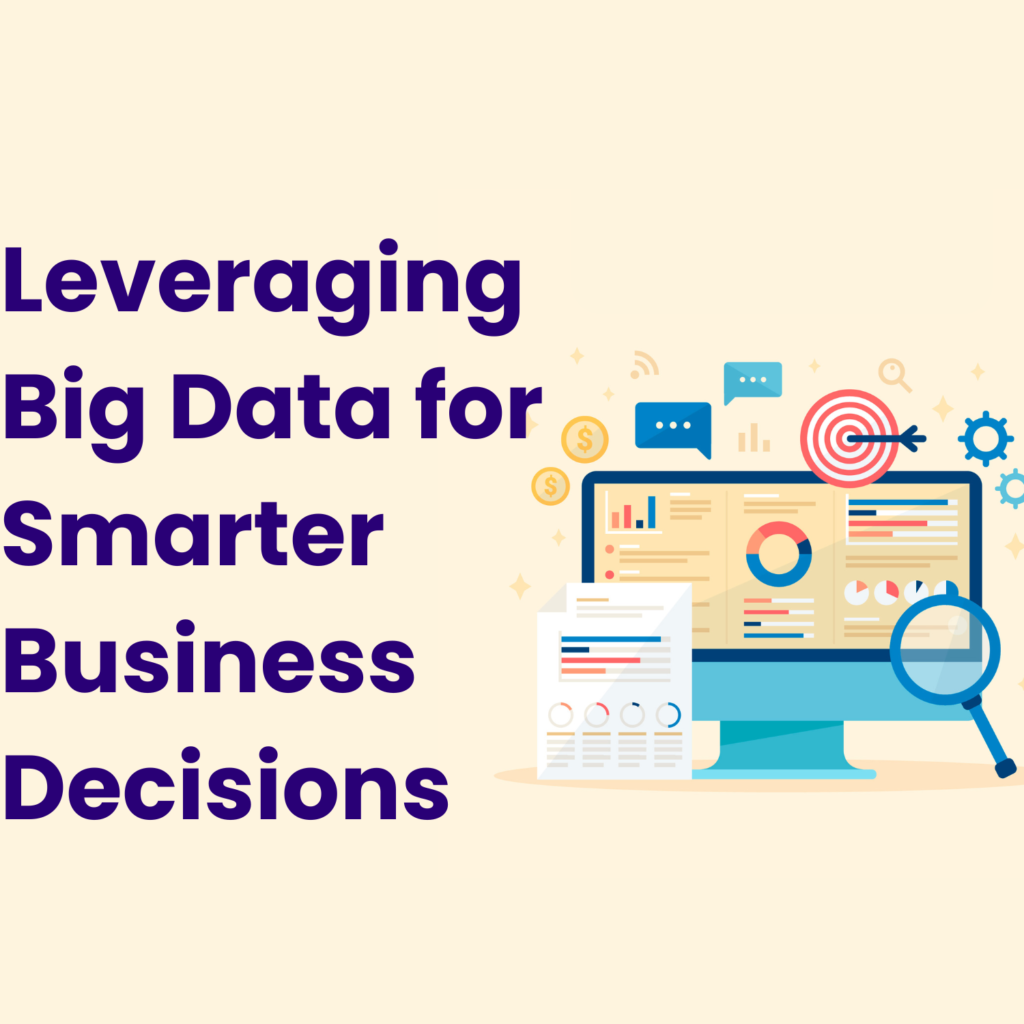
Big Data for Smarter Business

In today’s fast-paced business environment, staying ahead means making informed decisions. Leveraging Big Data allows companies to uncover insights, anticipate trends, and optimize operations for better outcomes. By analyzing patterns in customer behavior, market trends, and operational metrics, businesses can make strategic choices that drive growth, efficiency, and profitability.

Benefits include:

  • Improved decision-making through actionable insights
  • Enhanced customer understanding and personalization
  • Optimized operational efficiency
  • Identifying new opportunities and mitigating risks

Whether for small startups or established enterprises, integrating Big Data into your business strategy ensures smarter, data-driven decisions.

Software Maintenance: Keeping Your Systems Running Smoothly

Regular software maintenance is essential to ensure your systems remain reliable, secure, and efficient. From bug fixes and performance optimization to updates and security patches, ongoing maintenance helps prevent costly downtime and protects your business operations.

Our services include:

  • Ideal solutions for small businesses and startups
  • Monthly or quarterly strategy and maintenance sessions
  • Comprehensive consulting and support services
  • Full-scale assistance for established businesses
  • Priority email and phone support

By prioritizing software maintenance, businesses can minimize disruptions, extend system lifespan, and maintain a seamless user experience.